
Reviewing My Skills
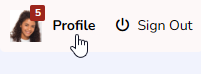
- At the top of any Pike13 page click your profile picture to navigate to your dashboard.
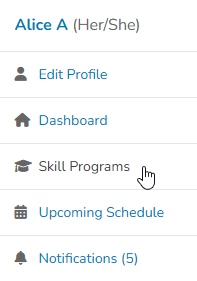
- In the right hand menu, click Skill Programs.
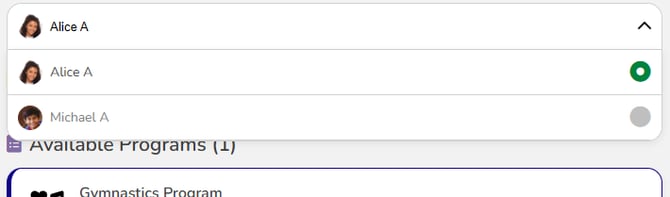
- If you are the account manager, you will see a dropdown to switch between your own profile and dependents. Click the dropdown to switch to another profile.
- You will see a summary of progress, such as number of skills, sessions and hours completed in this program. Sessions and hours are tied to the student's enrollments.