
Adding your payment method is the final step to activating your Pike13 site. Once your card is on file, you’ll gain full access to all features in your subscription, including client-side functionality, credit card processing, and more.
In This Article
Who can use this feature?
- Pike13 Plans: ✅Premium, ✅Advanced, ✅Essential
- User Roles: ✅Primary Owner, ✅Owner, ✅Billing Admin❌Manager, ❌Staff, ❌Limited Staff
Adding Your Card
-
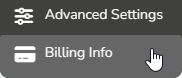
At the top of any Pike13 page click Settings, then click Billing Info.
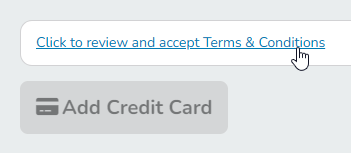
- Click to review and accept Pike13's terms and conditions.
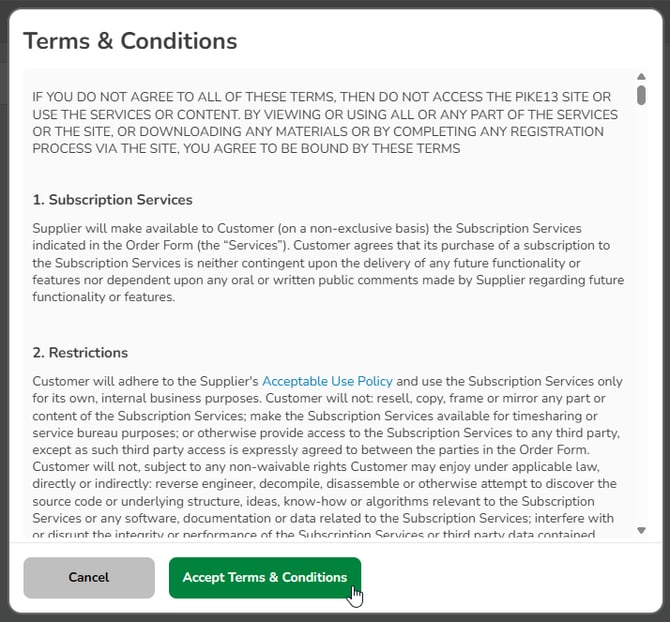
- In the modal, review the text and click Accept Terms & Conditions to continue.
-
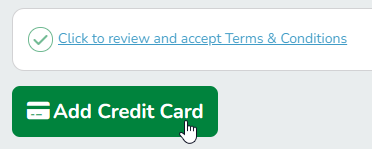
Click Add Credit Card.
-
Enter your credit card details, then click Save.
You will see confirmation text once your card is successfully added.
If you encounter any restrictions while adding your payment method, contact sales@pike13.com for assistance.
Updating Your Card
-
At the top of any Pike13 page click Settings, then click Billing Info.
-
If necessary, click to review and accept Pike13's terms and conditions.
-
Click Update Your Card.
-
Enter your credit card details, then click Save.