
To give businesses more control, Owners and Primary Owners can configure which individual staff members can run reports, send public notes, manage pay rates, and add payroll items for a staff member.
In This Article
- Who can use this feature?
- Reporting Access
- Send Public Notes
- Manage Payroll Submission
- Manage Financial Permissions
- Manage Billing Permissions
- Manage Limited Staff Permissions
Who can use this feature?
- Pike13 Plans: ✅Premium, ✅Advanced, ✅Essential
- User Roles: ✅Primary Owner, ✅Owner, ❌Manager, ❌Staff, ❌Limited Staff
Reporting Access
To give a staff person access to your Pike13 business and/or financial reports:
- At the top of any Pike13 page, click Staff.
- Choose the staff member you would like to give additional reporting access to.
- Under Advanced Actions, click Allow Basic Reporting Access and/or Allow Financial Reporting Access.
Send Public Notes
By default, Limited Staff Members can only leave private notes. Grant additional permission for them by following the steps below:
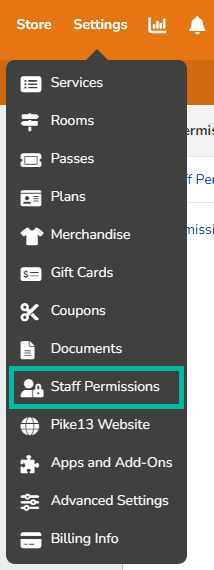
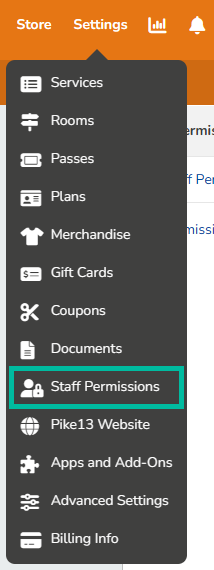
- At the top of any Pike13 page, click Settings, then click Staff Permissions.
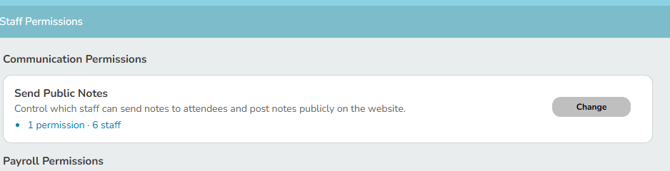
- Click Change next to Send Public Notes.
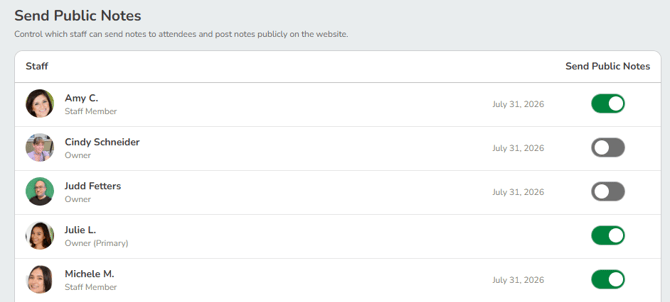
- Toggle the switch On (green) for staff you want to send public notes or Off (gray) for those you don't.
Manage Payroll Submission
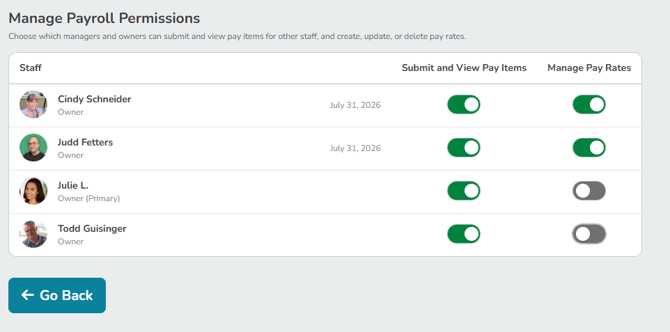
Manage Payroll Permissions allows your Owners and Primary Owners to set up and manage pay rates for your services and staff.
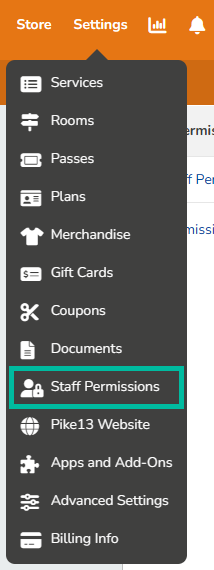
- At the top of any Pike13 page, click Settings, then click Staff Permissions.
- Click Change next to Manage Payroll Permissions

- Toggle the switch On (green) for Managers, Owners or Primary Owners who you want to have access or Off (gray) for those you don't.
Note
Financial Permissions
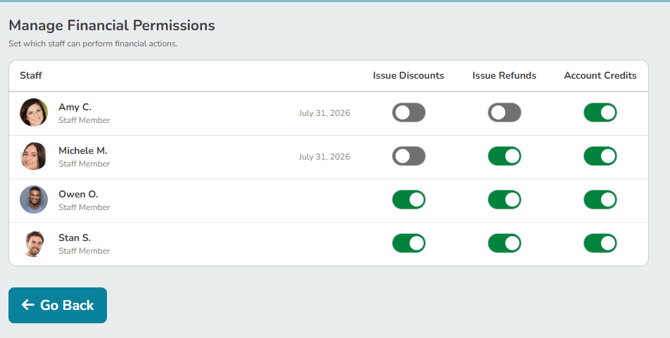
Only Managers, Owners, and Primary Owners will appear in Financial and Payroll permissions. To grant staff members these permissions, you must first promote them to a higher role.
Manage Financial Permissions
In this section Owners can give other staff members can toggle on of off the ability to issue discounts, issue refunds or give account credit.
- At the top of any Pike13 page, click Settings, then click Staff Permissions.
- Click Change next to Submit and View Pay Items

Managing Billing Permissions
NOTE:
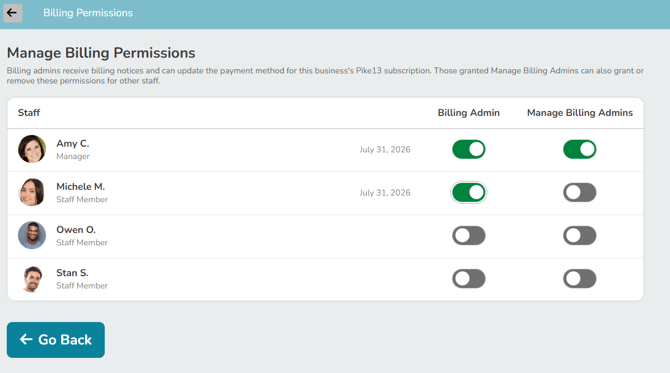
A Billing Admin manages your Pike13 subscription billing, not payments from your clients. Billing Admins have a badge next to their name on the Staff list and their profile. Only staff can see this badge.
Manage Limited Staff Permissions
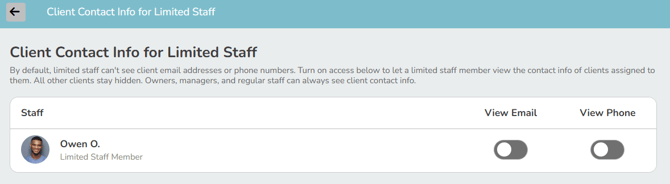
Learn more about permissions here - Pike13 Permission Guide.