
Have a new email address? Need to change your password? You can update your Pike13 credentials after you have signed in to your staff account.
In This Article
Who can use this feature?
- Pike13 Plans: ✅Premium, ✅Advanced, ✅Essential
- User Roles: ✅Primary Owner, ✅Owner, ✅Manager, ✅Staff, ✅Limited Staff
Updating Login Credentials
-
Log in to your Pike13 account with your current credentials.
- At the top right of any Pike13 page click your profile picture, then click My Account.
- Update your email and/or add a new password, then click Save.
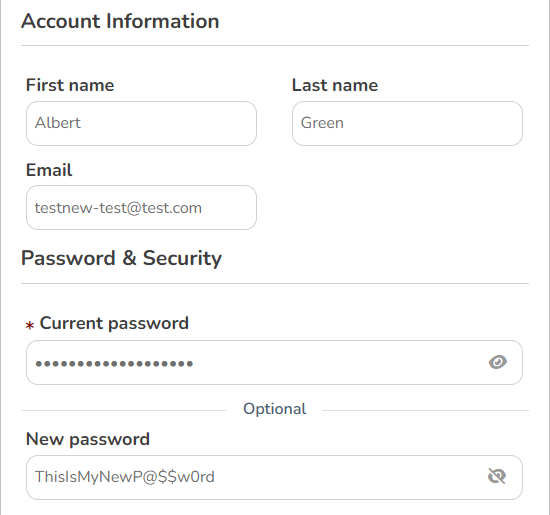
- See how to add Multi-Factor Authentication to your account for additional security.
- You will receive an email from Pike13 asking you to confirm your new email address. Be sure to click the link in the email to activate it.
- Log in to your Pike13 account with your current credentials.
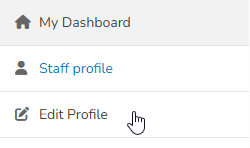
- At the top right of any Pike13 page click your profile picture, then click My Dashboard.
- Click Edit Profile.
- Update your own information as needed.
- Click Save.