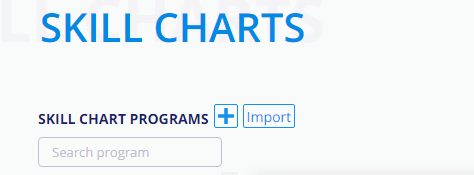
MySkillChart provides multiple sample programs that you can choose to use. Each program contains three Levels with Events and Skills. These charts can be edited for your business or you may choose to delete and create your own.
In this article
Editing a Program
- From the left hand menu, choose Skill Charts.
- Select the program you wish to edit from the program list.
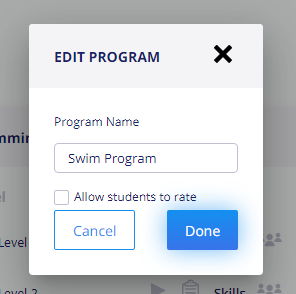
- To edit the program name click on the name.
- Add the new name.
- Select Done to save.
Deleting a program
- From the left menu, select Skill Chart.
- Click on the program you wish to delete.
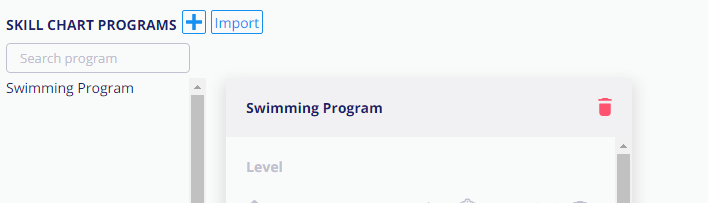
- Click on the trash can next the the program name.
Warning
Deleting a Program cannot be undone
Deleting the program will delete the levels, events and skills associated with this program. If a program is accidentally deleted, the program, levels, events and skills cannot be restored.
Adding a new Program
- From the menu on the right hand side, click on Skill Chart.
-
Click the + by Programs
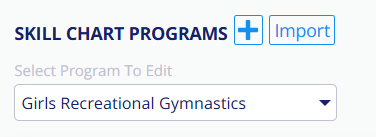
- Enter the name of the program.
- Click Create.