
Pike13 makes it simple to generate professional invoices. This guide covers everything you need to know about accessing, emailing, and printing client invoices directly from your browser.
In This Article
Who can use this feature?
- Pike13 Plans: ✅Premium, ✅Advanced, ✅Essential
- User Roles: ✅Primary Owner, ✅Owner, ✅Manager, ✅Staff, ❌Limited Staff
Printing Invoices
-
At the top of any Pike13 page click Clients.

-
Select a client.
-
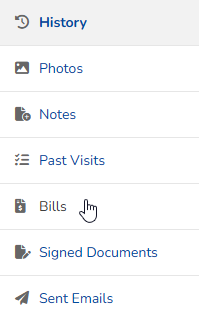
In the History section, click Bills.
-
Select the invoice to email or print.
-
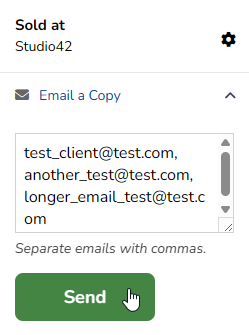
Click Email a Copy. Verify the email address is correct, then click Send. You may add up to 10 comma-separated email addresses to this field.
-
Click Print.
-
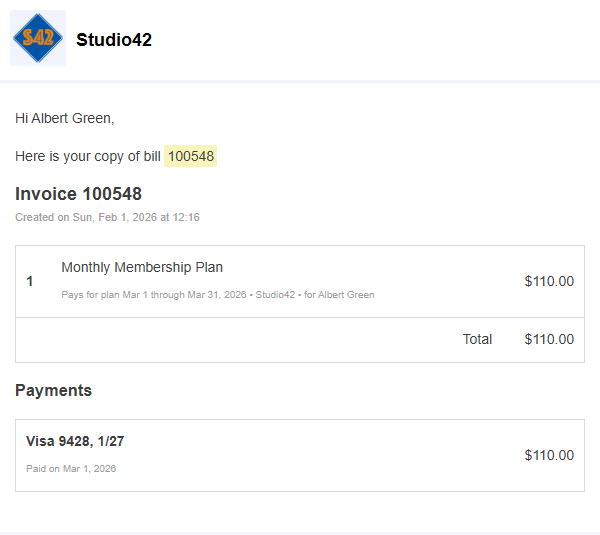
A new page will open with invoice details. Follow the usual steps to print from your browser.
-
-